

3 mistakes devs make implementing cookie consent in Webflow
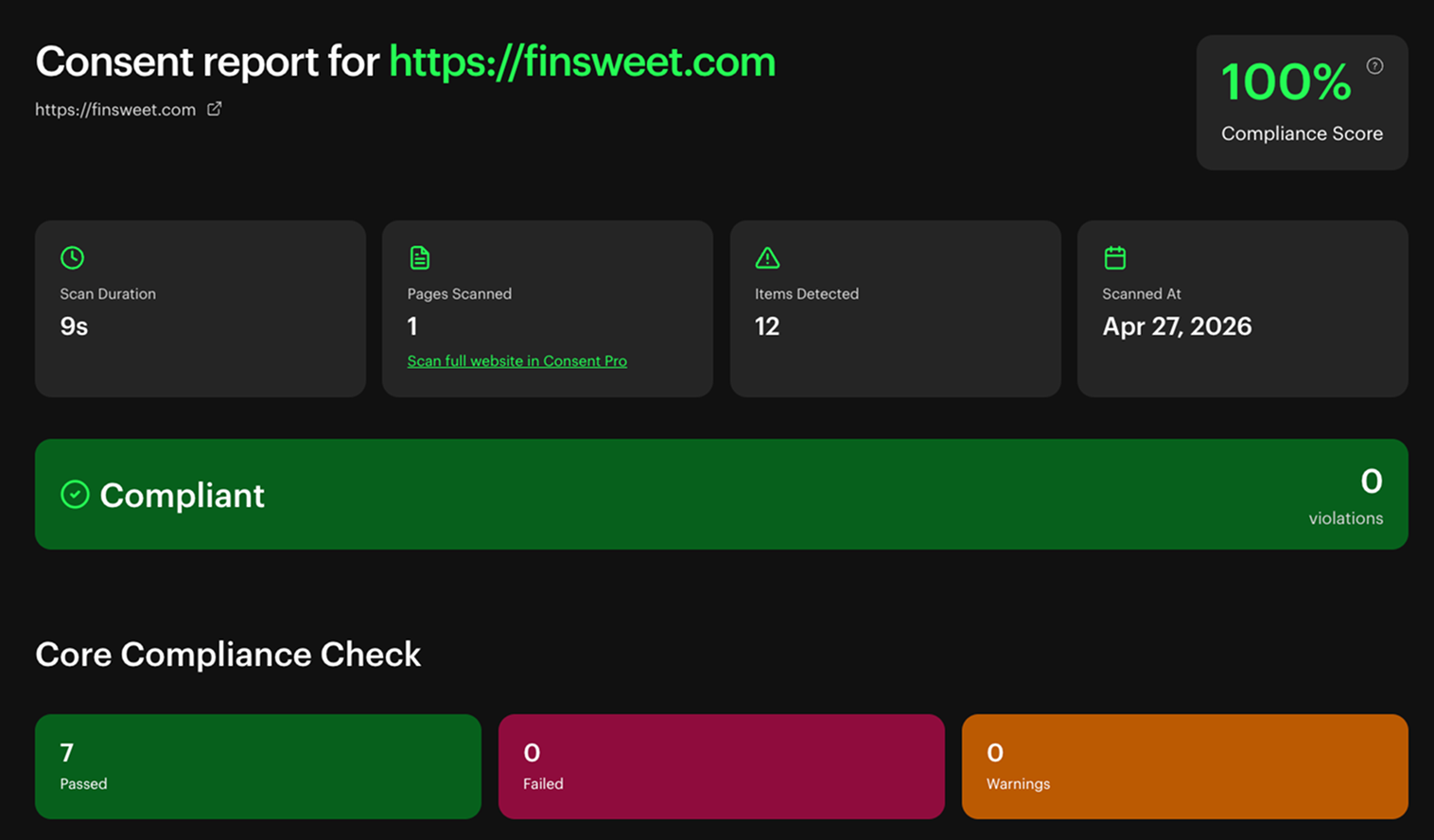
Run a free scan to see which ones your Webflow site makes:
..webp)


.webp)

Build Webflow sites you’re proud to ship

Like thousands of developers, you will love using Client-First
Client-First help us build more efficiently as Webflow developers
Easy to update Style Guide
Create a project organization system to work faster with less effort.
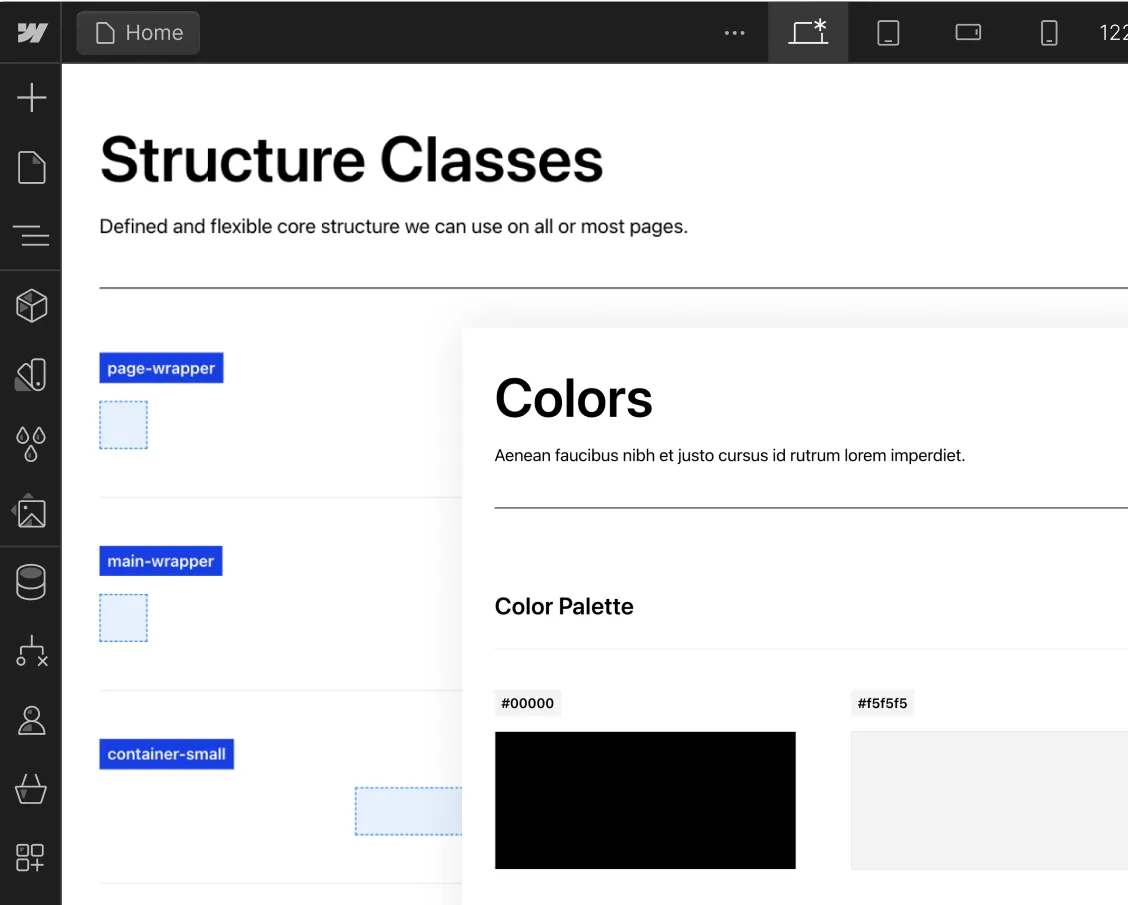
Know how to name your classes
Create clear and specific names for classes.

Folders view of the structures
Folders help us group, search for, and access elements in our project.

Flexible spacing system
Make intelligent spacing decisions inside Client-First.

Unify a build strategy as a team
Creating a project that allows for scalability

New color system using variables
Explore the power of color variables in Webflow for consistency, global changes, and enhanced project organization

Deep Documentation
The most important topics of Client-First.
Intro to Client-First with an overview of the essential principles.
Strategy for how we identify, use, and manage classes inside Webflow as a platform.
Explanation of rem units and approved rem values in Client-First.
Build and maintain a unified typography style system across the project.
Make intelligent spacing decisions inside Client-First.
- Support Finsweet's free products if they have been helpful to you in any way.
- Your support will help us make our free products even better.
- Feel free to subscribe for a month and cancel afterward if you'd like to help just once.



Learn with Live Builds and our Clonables
Find live builds and Clonables of Client-First.


In this episode, Joe Krug will recreate the Apple Podcast website in Webflow using Client-First V2!

PS5 DualSense Wireless Controller page created with Client-first in Webflow.

Join us for a live build in Webflow with Joe Krug. On today's episode, Joe will build the hero section of Webflow's homepage. Be sure to tune in and ask questions in real time!


Clean and fully customizable template built using the Client-First system for Webflow.
.webp)
This Client-first cloneable is the starter project for Finsweet's Client-first Webflow style system.

A custom designed light wireframe UI kit, built using the Client-first system for Webflow. There are total of 56 components you can start building with.

.webp)



The community and Client-First
Here's what the Webflow community is saying

Love the @thatsfinsweet client first style guide and created a button-huge in Webflow. Naming conventions can sometimes be a pain, that's why I love Tailwind CSS.

Thank you so much Finsweet, Client First improved my developing speed so much…love it

One of the best thing, i think @thatsfinsweet gave to the webflow community is client-first method.

Client-First is so, literally, client-first I was able to start using it without looking at any documentation. It allows non-developers to dive into class-editing in the most intuitive manner possible, speeding up builds, revisions, and bringing more and more talent to Webflow

Getting used to @thatsfinsweet #clientfirst system and I am blown away how great it is! This is a must for all @webflow #designers #developers

Checked this out at the weekend. Looks promising. V comprehensive. Will be trialling it for our next couple of @Webflow builds – https://finsweet.com/client-first/ - thank you @thatsfinsweet

One goal for this year is to become a @thatsfinsweet client-first certified agency/dev. It seems like it will soon be an even better indicator of expertise/skill than being a certified Webflow expert.

I also want to express my gratitude to @Joe Krug and the Finsweet team. Without the client-first system, I would not have a clear road map to clean up existing Webflow sites and their messy CSS and component structures. With it, I truly feel like I can call myself a “Webflow expert” without feeling the dreaded imposter syndrome. Thank you!

Client-first is literally became a industry standard while building out in Webflow. It makes structure, spacing, naming so much easy and increases productivity while building the websites. Also it helps other Developers easily understand structuring of the website! Game changer!

benefits