
..webp)


.webp)

Build Webflow sites you’re proud to ship

Like thousands of developers, you will love using Client-First
Client-First help us build more efficiently as Webflow developers
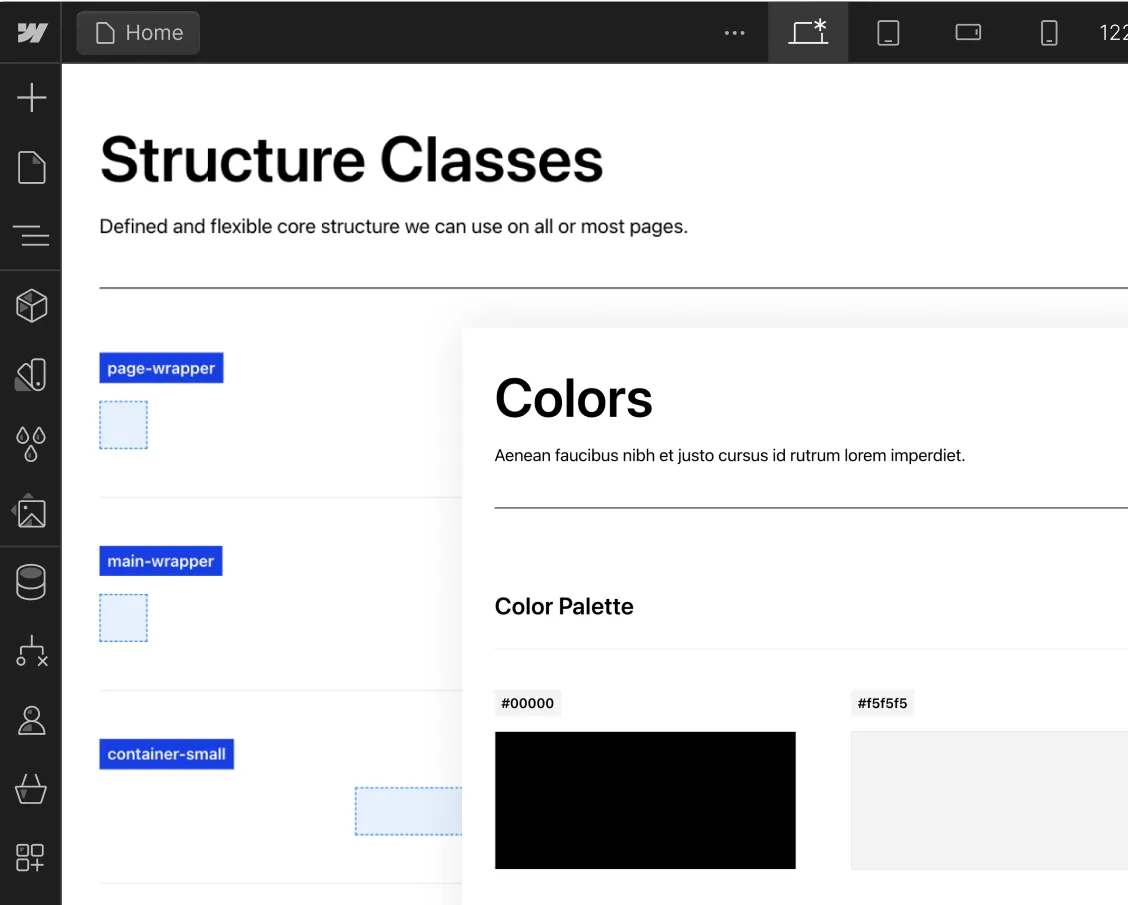
Easy to update Style Guide
Create a project organization system to work faster with less effort.
Know how to name your classes
Create clear and specific names for classes.

Folders view of the structures
Folders help us group, search for, and access elements in our project.

Flexible spacing system
Make intelligent spacing decisions inside Client-First.

Unify a build strategy as a team
Creating a project that allows for scalability

New color system using variables
Explore the power of color variables in Webflow for consistency, global changes, and enhanced project organization

Deep Documentation
The most important topics of Client-First.
Intro to Client-First with an overview of the essential principles.
Strategy for how we identify, use, and manage classes inside Webflow as a platform.
Explanation of rem units and approved rem values in Client-First.
Build and maintain a unified typography style system across the project.
Make intelligent spacing decisions inside Client-First.
- Support Finsweet's free products if they have been helpful to you in any way.
- Your support will help us make our free products even better.
- Feel free to subscribe for a month and cancel afterward if you'd like to help just once.



Learn with Live Builds and our Clonables
Find live builds and Clonables of Client-First.


Joe Krug will dive into the Webflow Designer and recreate the Google Chromecast landing page using Client-First V2.

Learn how the Client-first spacing system can increase the building speed in Webflow. The main benefit of the spacing system is that we don’t have to start from scratch. The spacing is already set up in Client-first cloneables. These classes have responsive margin values and responsive padding values. The spacing system brings flexibility and allows quick global changes.
.jpeg)
The Discord homepage created with Client-first in Webflow.


Clean and fully customizable template built using the Client-First system for Webflow.

Clean and fully customizable template built using the Client-first system for Webflow.

Clean and fully customizable template built using the Client-first system for Webflow.

.webp)



The community and Client-First
Here's what the Webflow community is saying

finally checking out client first by @thatsfinsweet
We're officially making the move to it for all future builds

Getting used to @thatsfinsweet #clientfirst system and I am blown away how great it is! This is a must for all @webflow #designers #developers

If you're a @webflow developer, you need to start using @thatsfinsweet client first system for all your projects.It will help you in:-
✓ SEO
✓ Structure of your sections
✓ Scanning through your project
✓ Scalability
✓ Time-saveing

Made 2 projects with client first system by @thatsfinsweet and now I’m permanently shifting to their system.
Brilliantly made.

I have tried a lot of style guide frameworks, @thatsfinsweet client’s first system stands out. Easy to learn, and very easy to build on top. I officially have a webflow style guide system, I can trust.

I’ve been working in Webflow for about 18 months. I found @thatsfinsweet resources and client-first system about 4 months ago. My development speed, efficiency, and confidence have grown so much more since finding them!! So thankful!

My agency depends upon Client-First to deliver consistent & quality work. CF is also vital part of my strategy to scale our development offering. We've done about 10 builds now with Client First and many more on the way.

Made my first @webflow website, Used @thatsfinsweet Client-first style system to keep it organized.

@joekrug @RayTirado @thatsfinsweet It’s truly amazing what you’ve created, & so generously shared, with the @webflow community. It’s unbelievable that your Chrome extension & Client-first are FREE! Thank you!


benefits